April - June 2026·Asset management
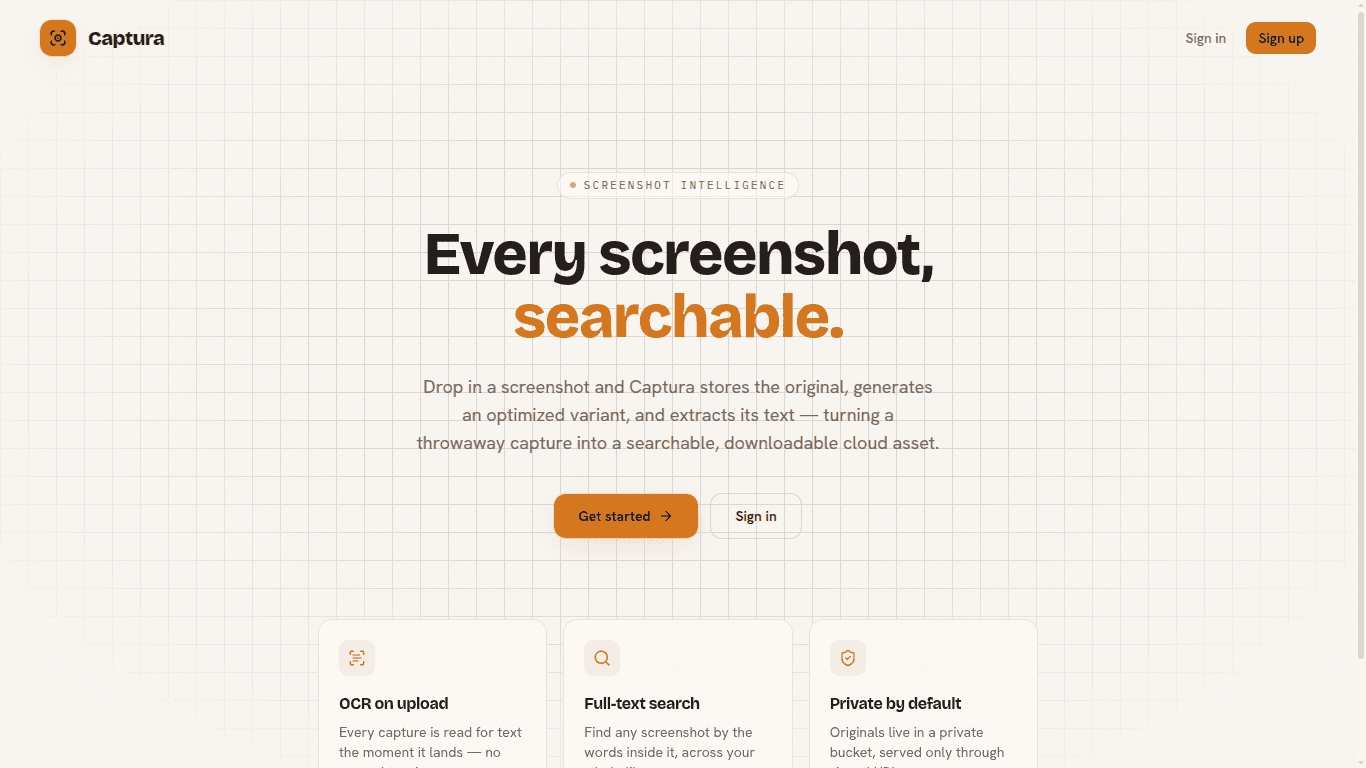
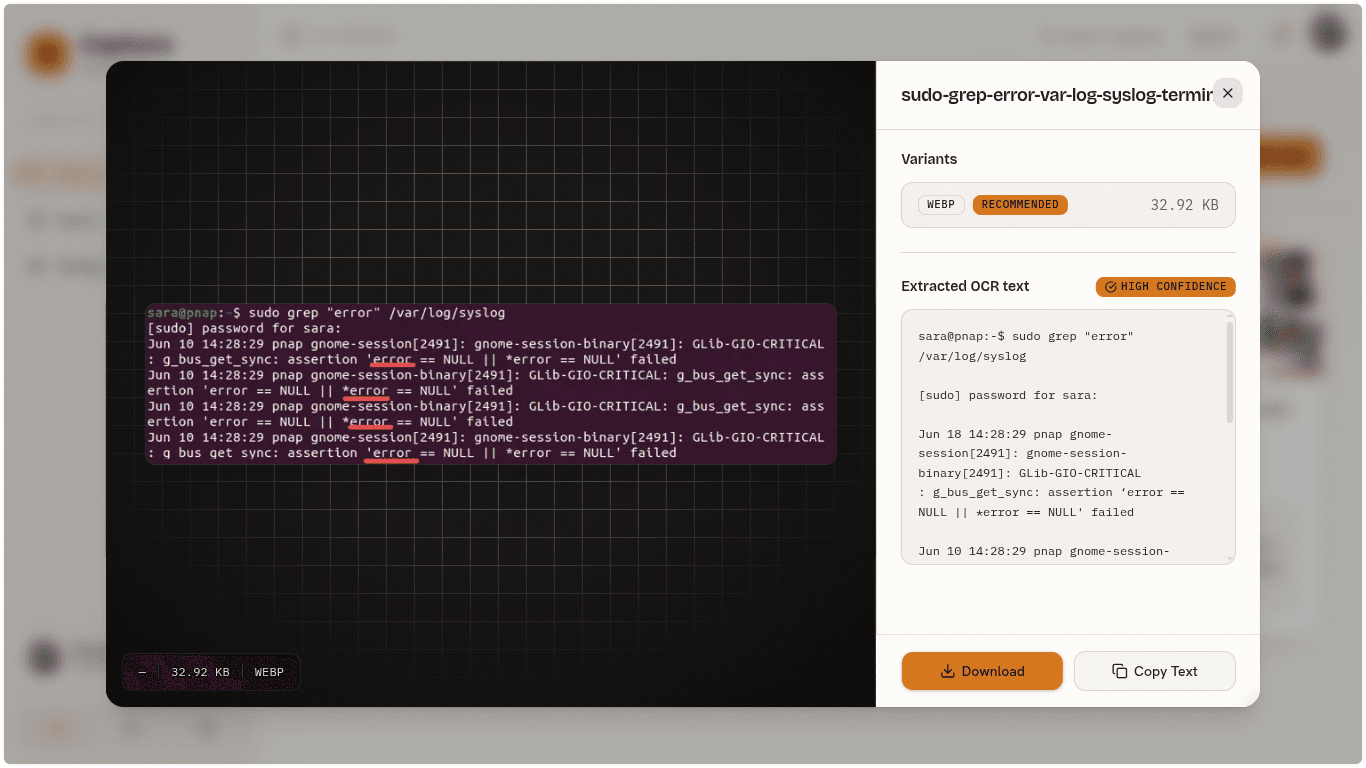
Built for QA engineers and developers who need to reference an error log or a UI state quickly, without keeping screenshots in a folder named Screenshot 2024-11-03.png. Drop in an image and Captura stores the original, generates optimized variants, extracts its text, and serves the lot over signed URLs.
Workflow decisions:
- In-memory transcoding — Pillow converts each upload straight into WebP and JPEG variants in memory. Nothing touches the disk on the way through, so there is no temp directory to clean up and no path-traversal surface to reason about.
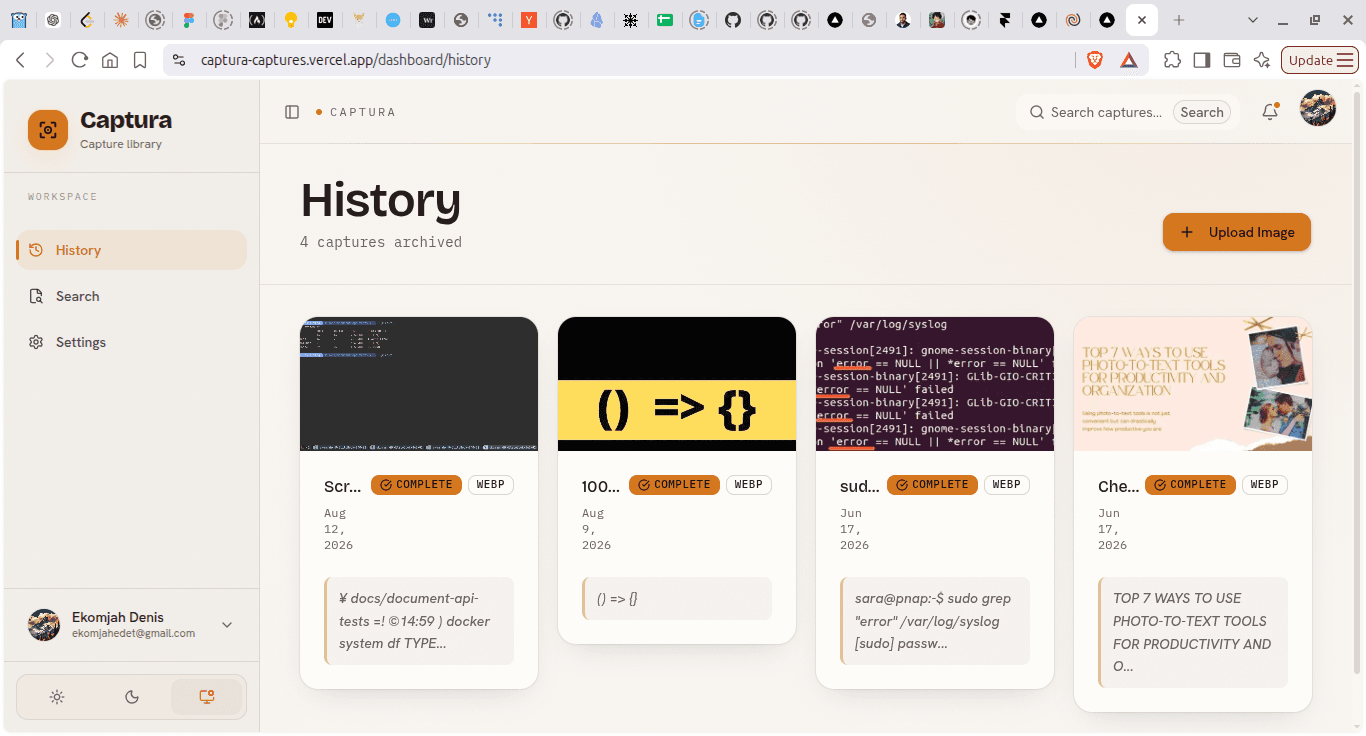
- OCR on upload — PyTesseract reads the image the moment it lands, so the screenshot becomes findable immediately rather than after a background pass. You upload an error log, close the tab, and search for it later.
- Private by default — The bucket has no public access. Every download is a presigned S3 URL that expires after fifteen minutes, so a leaked link stops working on its own.
- Indexed for search — ocr_text carries a GIN index in PostgreSQL, and /v1/search queries straight against it. Full-text search over the inside of an image, without a separate search service.
Architecture choices:
- API: FastAPI, Pydantic
- Image processing: Pillow
- OCR: PyTesseract
- Storage: AWS S3
- Database: PostgreSQL
Impact:
- Upload an image and have it safely stored, with the original kept as the source of truth.
- Get an auto-generated WebP variant to cut bandwidth on every subsequent view.
- Search for text inside images to find a specific screenshot among hundreds.
- Download optimized JPEG or WebP variants per use case, without re-uploading.
One honest caveat: transcoding and OCR are currently synchronous, so a large upload holds the request open for the length of both. Moving that CPU-bound work to a background worker is the next step, not a finished feature.